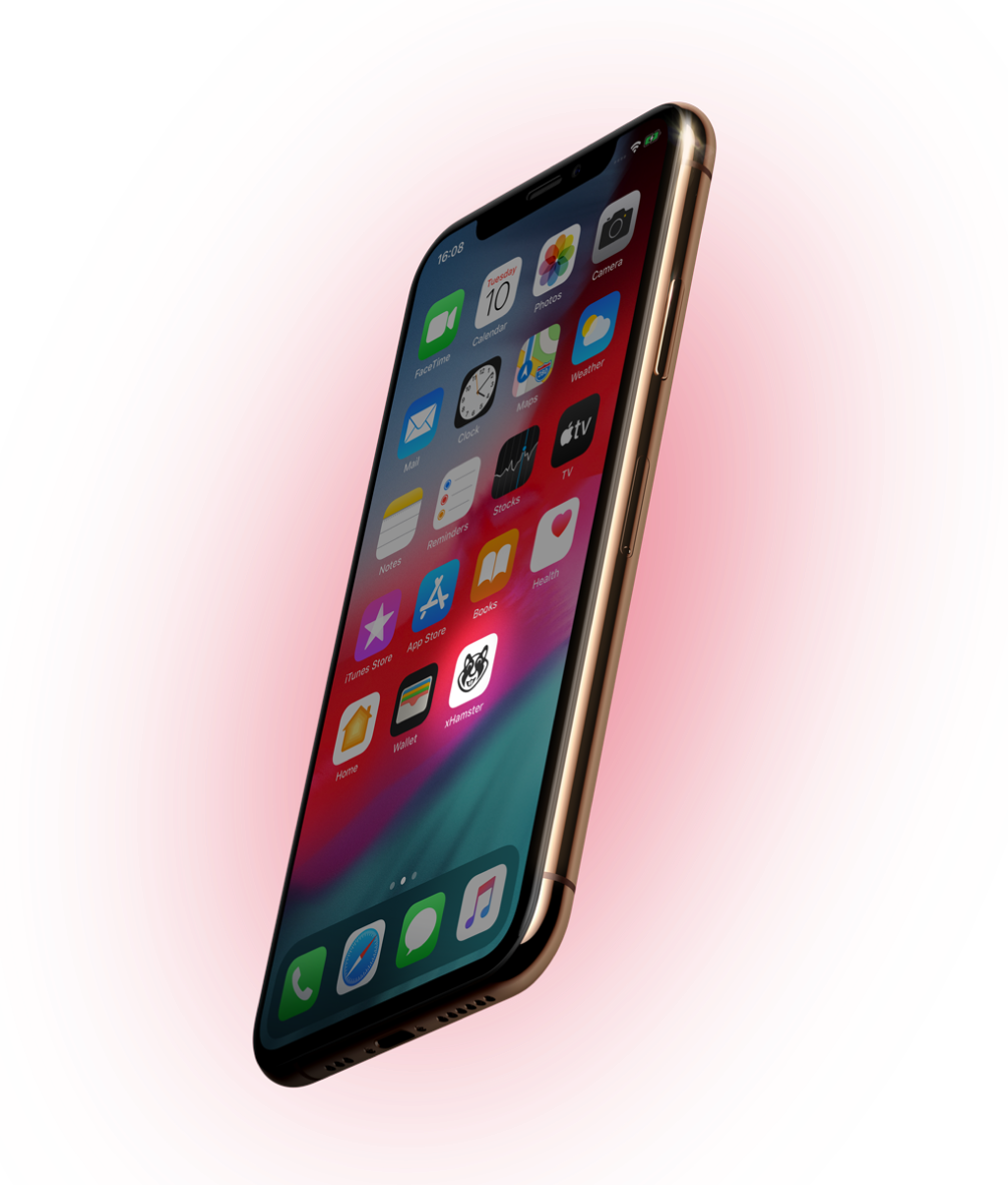
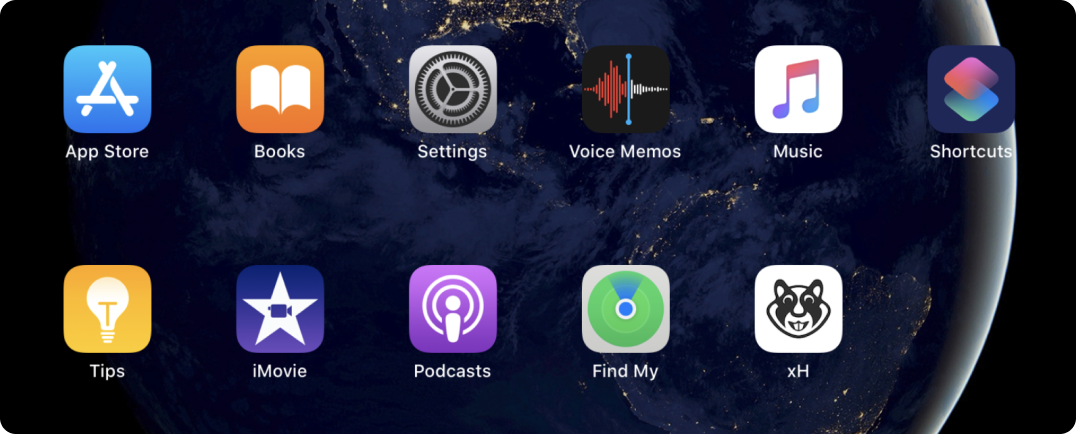
xHamster app on your Home screen

Enjoy xHamster like a native app.


Fast, more secure, and totally free!

Works better with Chrome, Opera, Safari, and Samsung Internet

To get xHamster right on your home screen follow our guides:
  • Load xHamster.com in the Chrome Web Browser
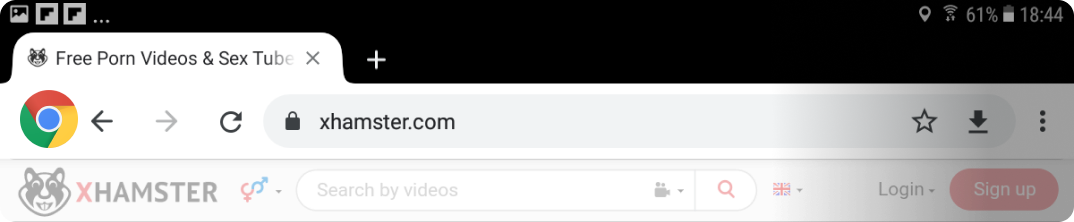
  • Tap the 3 dots in the top right corner
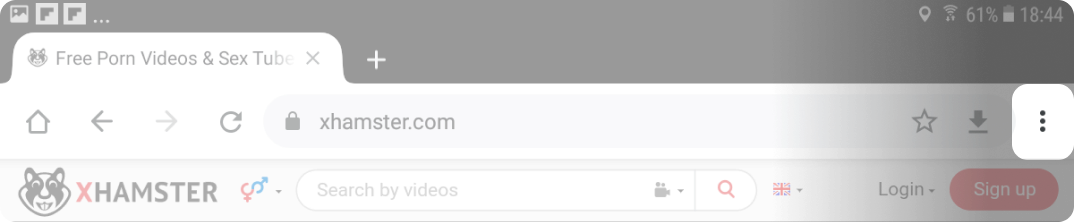
  • Select "Add to Home screen" from the available options
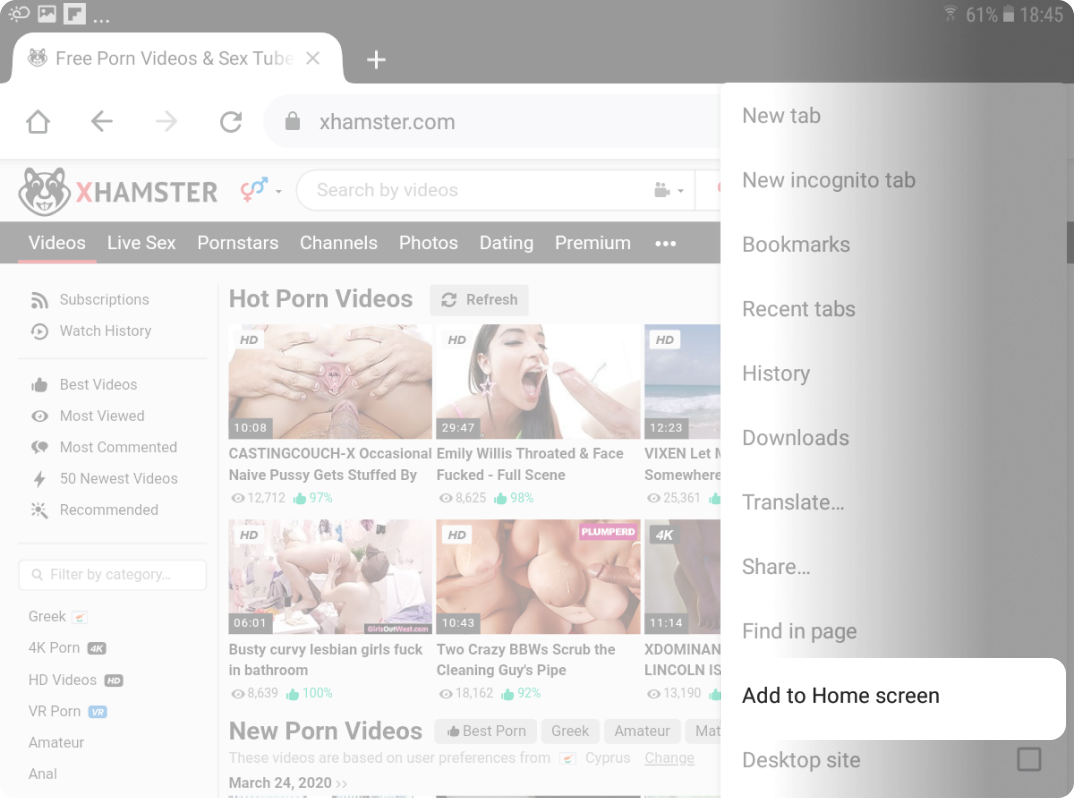
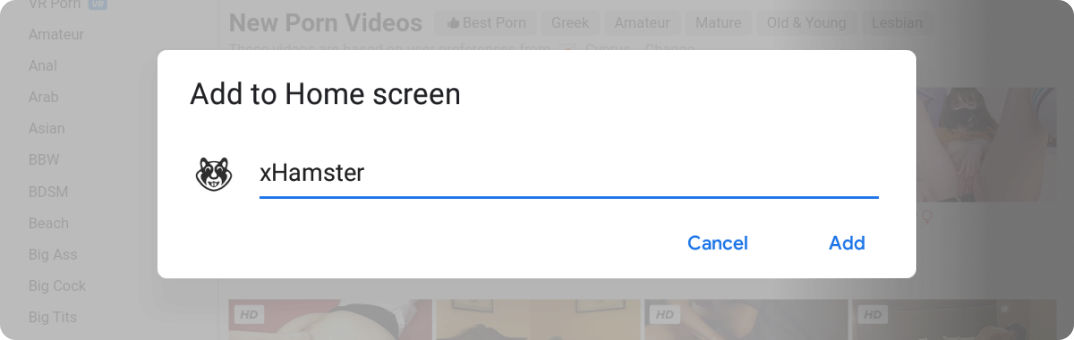
  • Chrome will open a prompt and you will be able to add xHamster icon to your home screen. Change the App name if you want to
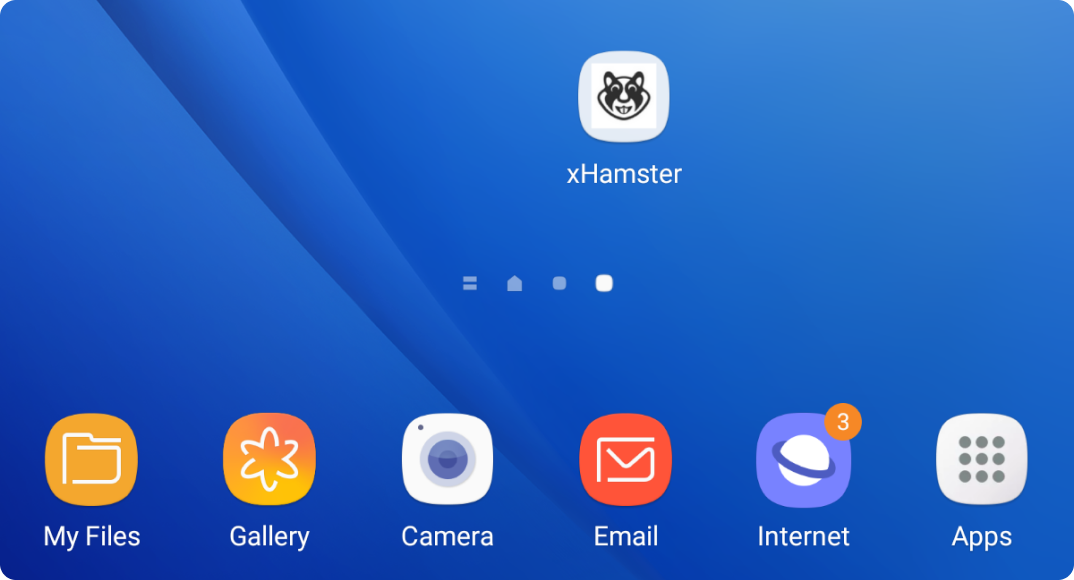
  • Launch the app to ensure the install has been successful. That's it. Enjoy!
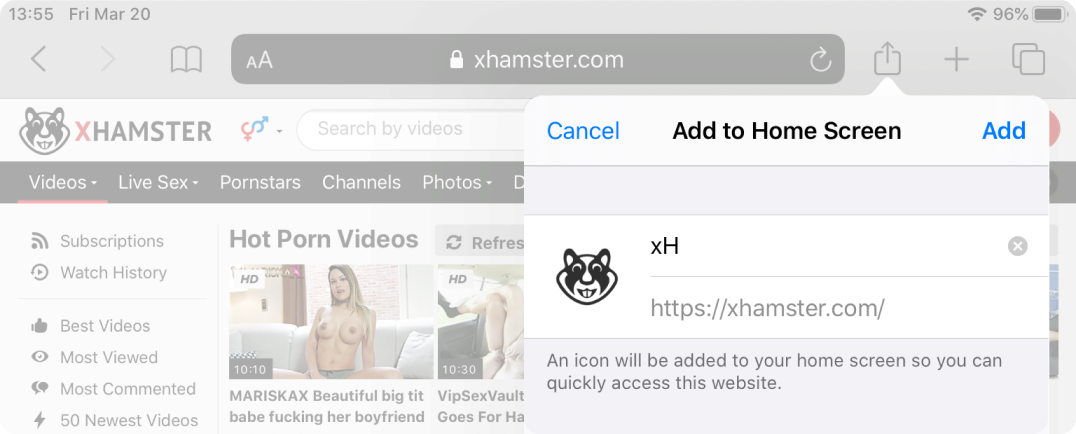
  • Load xHamster.com in the Safari Web Browser

  • Tap the share icon
  • Select "Add to Home screen" from the available options
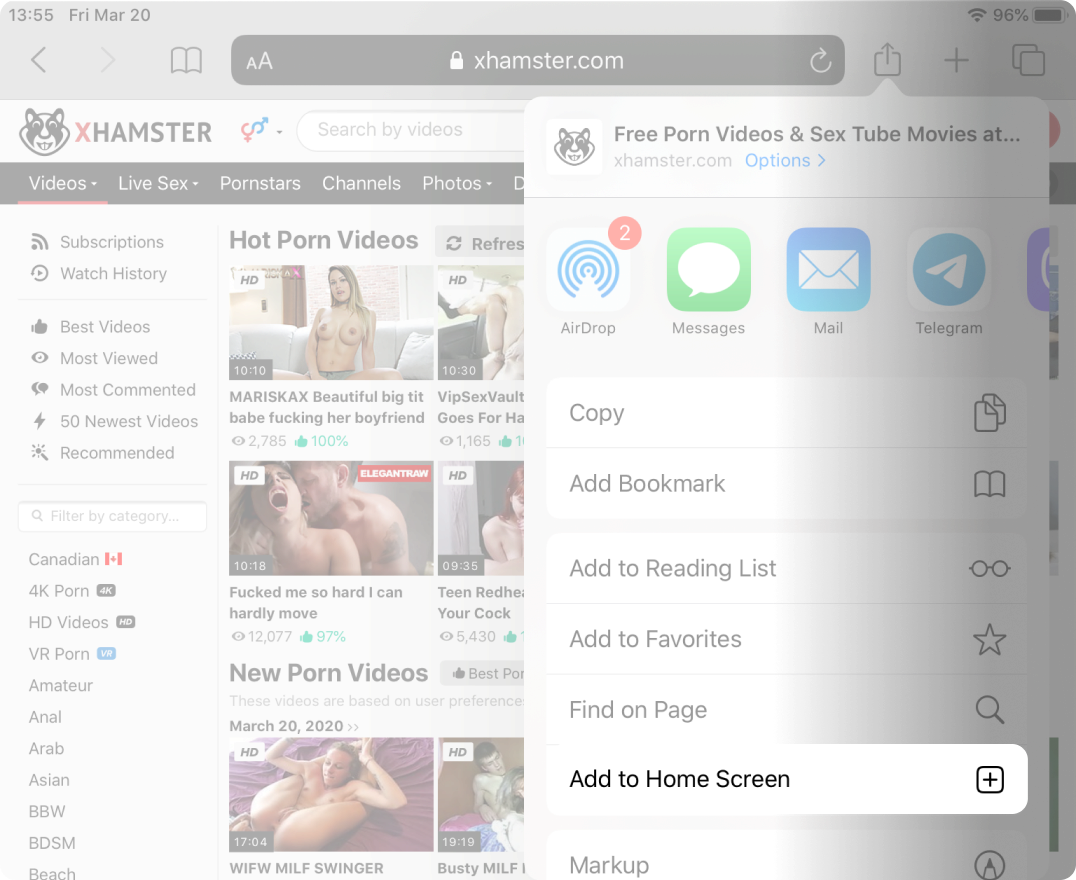
  • Change the App name if you want to
  • Launch the app to ensure the install has been successful. That's it. Enjoy!
xHamster is adults only website!

The content available on xHamster may contain pornographic materials.

xHamster is strictly limited to those over 18 or of legal age in your jurisdiction, whichever is greater.

One of our core goals is to help parents restrict access to xHamster for minors, so we have ensured that xHamster is, and remains, fully compliant with the RTA (Restricted to Adults) code. This means that all access to the site can be blocked by simple parental control tools. It is important that responsible parents and guardians take the necessary steps to prevent minors from accessing unsuitable content online, especially age-restricted content.

Anyone with a minor in their household or under their supervision should implement basic parental control protections, including computer hardware and device settings, software installation, or ISP filtering services, to block your minors from accessing inappropriate content.